Built for professional interpreters, by an interpreter.

Keep the conversation visible.Keep interpreting.

Whisker keeps live transcription and reference translation organized around Client and LEP—so you can retain context without taking constant notes, while remaining in control of the interpretation.

Built to replace the notebook,
not the interpreter.

Work locally with whisper.cpp or connect your own Soniox, Deepgram, or Speechmatics account. The workflow stays yours—and so does the choice of provider.

Choose a demo, then start the call

Choose a demo

Then press New Call inside Whisker.

Ready
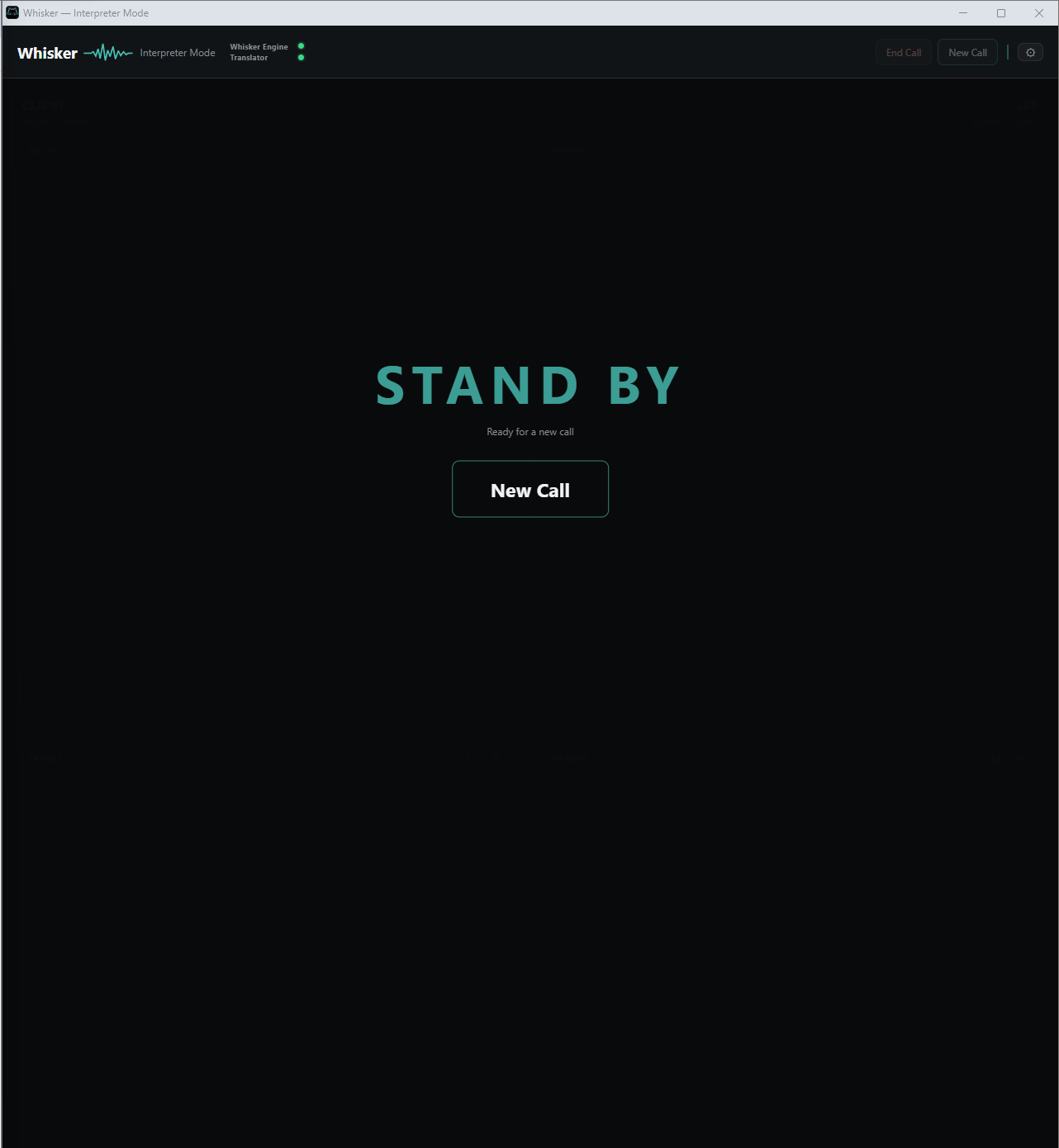
Whisker Interpreter Mode waiting in Standby

The interpreter workflow

One conversation. Two sides. Kept in context.

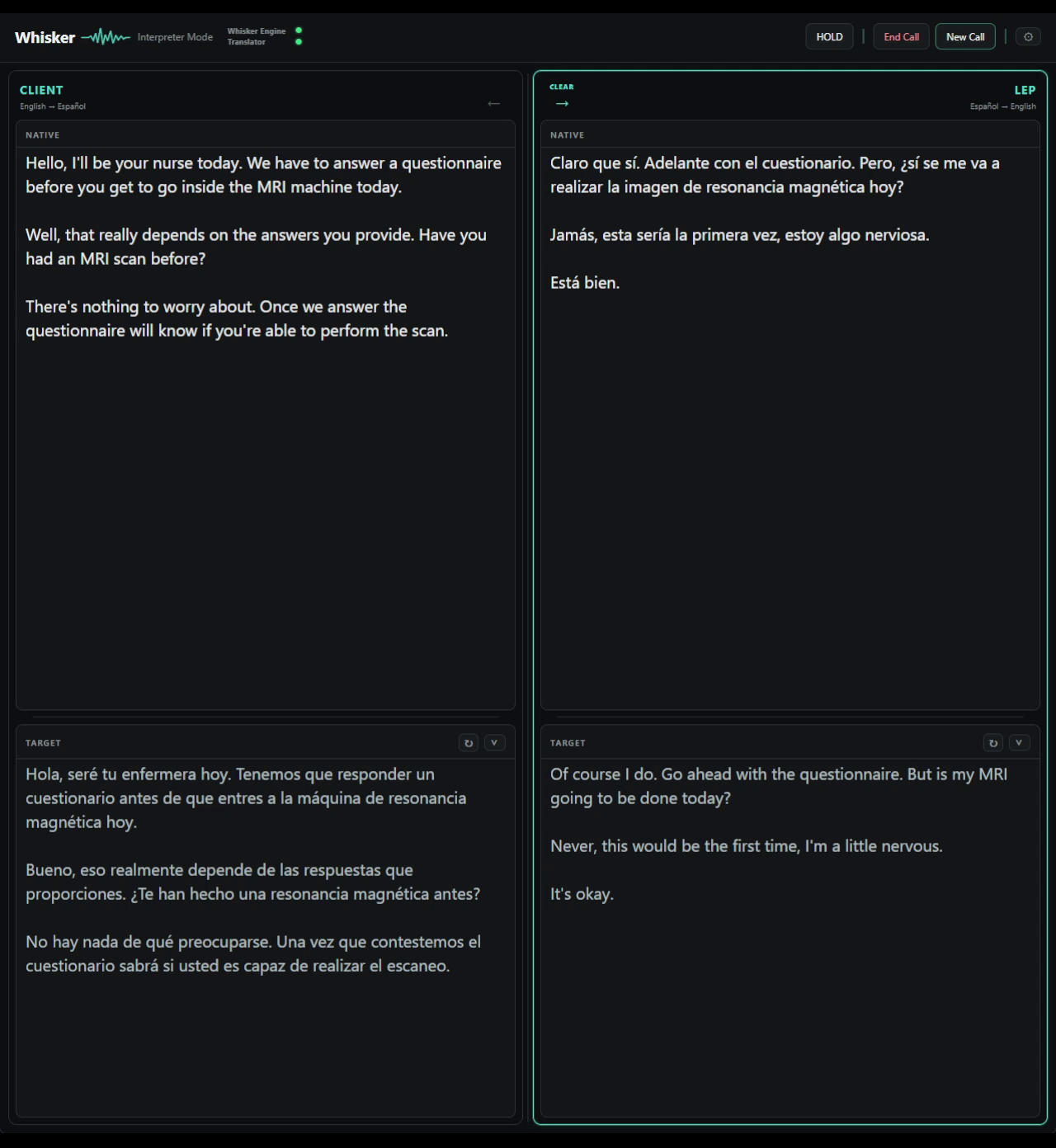
Generic captions flatten every voice into a single stream. Whisker keeps Client and LEP separate, with the live transcript in Native and a reference translation in Target—so the conversation stays readable without taking control away from the interpreter.

  1. Client / LEP

    Each side keeps its own recent context instead of collapsing every voice into one running transcript.

  2. Native / Target

    Native shows what was said. Target provides a live reference when an unfamiliar term or formulation needs support.

  3. Routing stays yours

    Manual routing is the default. Automatic routing is optional when the selected provider supports diarization.

Whisker Interpreter Mode showing separate Client and LEP panels, each with Native transcription and Target reference translation
Local · ManualReal Whisker output